
HubSpot: Meet Your New Research and Intelligence Tools
We've got the research and data tools you need to keep your CRM database clean and up to date.
Data-Driven Marketing
What is Buyer Intent and how does HubSpot enable this?
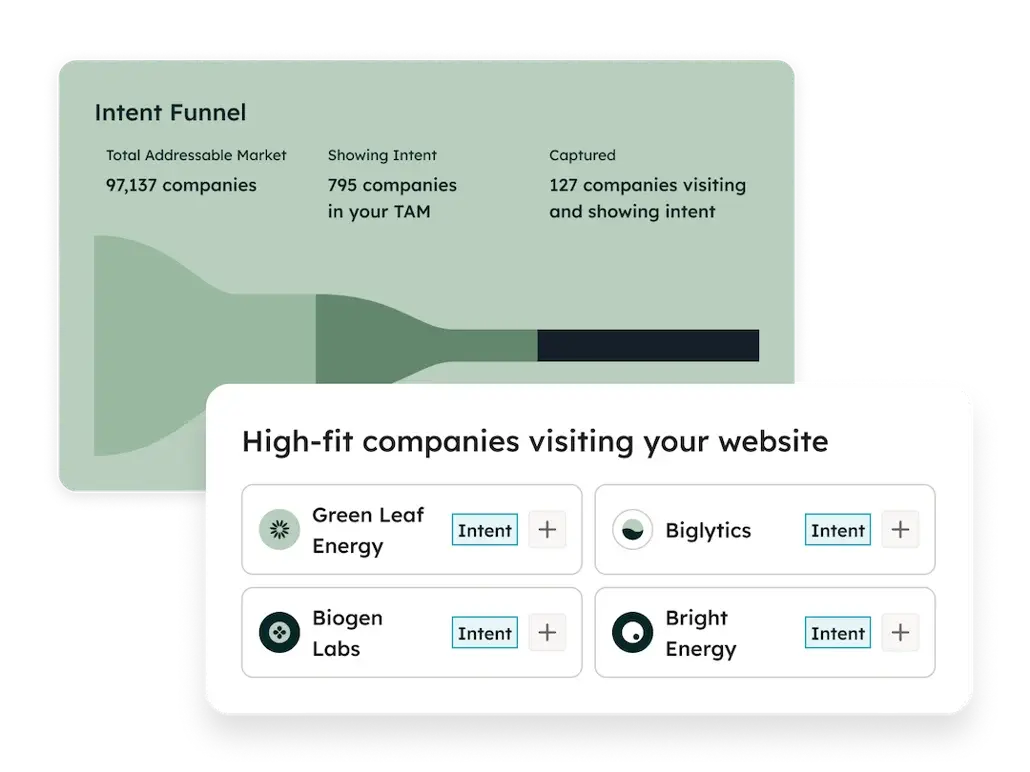
- HubSpot's buyer intent feature identifies which companies are visiting your website and what topics they are researching—even if the visitors haven't filled out a form. It works by matching website IP addresses to a database of known company information, allowing your sales and marketing teams to prioritize "warm" leads that are actively showing interest.
- Research Intent - configure up to 20 research topics that matter to you. HubSpot will then find companies that have been identified as actively researching these topics rated as High, Moderate, Mild or Low. This surfaces potential leads for your team.
- Visitor Intent: Tracks companies visiting high-value pages on your site, such as your incentives or sites and buildings pages.
- Company News: Alerts you to external triggers like funding rounds, leadership changes, etc.
- Contact Signals: Monitors individual lead behavior, such as a contact starting a new job.
How does HubSpot update our system?
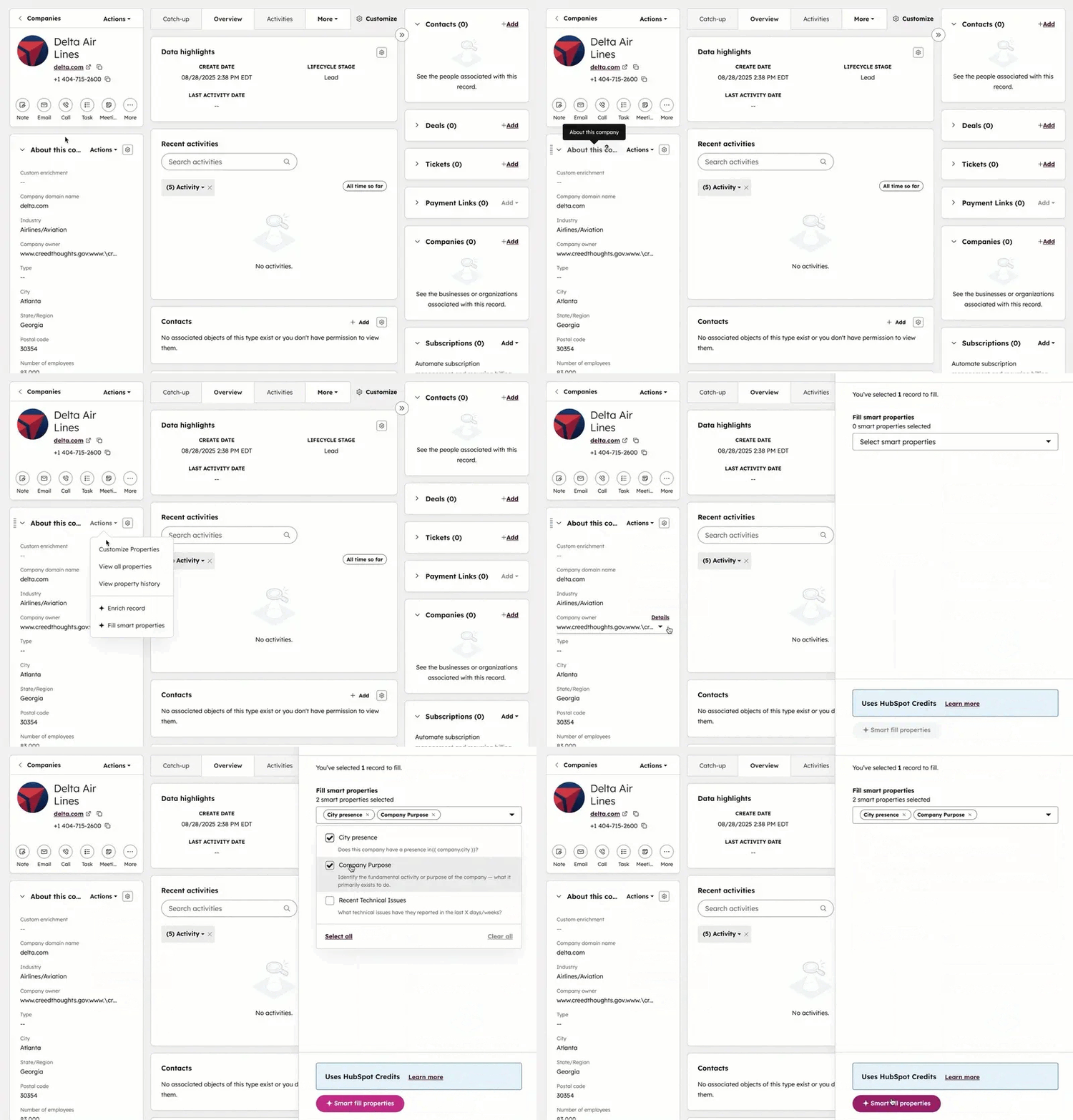
- HubSpot updates company data primarily through HubSpot Insights, a database that automatically populates and updates company records (e.g., industry, revenue, location) based on the company domain name. It offers automatic enrichment for new records and continuous monthly updates for existing records to keep information current.
- AI-Powered Enrichment: Smart properties can automatically extract data from public web sources, website content, and internal call transcripts.
- Customizable Prompts: You define the rules and questions (prompts) to gather specific data points tailored to your business needs, such as finding a company’s niche, tech stack, or recent funding. Automated Updates: Once created, these properties can be updated individually or in bulk, reducing manual research time.
How does HubSpot work with LinkedIn?
- Add any company to HubSpot from LinkedIn with a single mouse click.
- LinkedIn is the BEST source for Contact Data. Add any 1st, 2nd, or 3rd degree connection to HubSpot with 1 click.
- Get contact mobile phone and email from this same LinkedIn connector.
Get the free marketing research tool we use every day
Find local companies and key contacts in your community.
Find recruitment prospects that are In-Market / flashing intent signals.
Schedule a time for training and we will download this together and show you how to use it.