

Is HubSpot for Economic Developers designed for economic development?
Yes! 👍
We've built this system based on best practices and our experience working with over 200 economic development teams since 2010.
The system continues to grow and evolve as the role of economic developers changes (housing, child care, AI, better BRE, workforce development, talent attraction, etc.)
This is not just another CRM, this is your Success System based on best practices that work with your processes in your market.
How many economic development teams use HubSpot?
We've helped over 100 economic development teams embrace HubSpot as their system of choice.
Note: some organizations that use HubSpot did not work with Convergence. And while it's possible to set up and configure HubSpot on your own - it's better to work with out team since we've got the Economic Development intellectual property built out and field tested.
Can HubSpot for Economic Developers be customized to meet our needs?
Yes. 👍
We provide you with the core tools that you need, and then we fine tune and tailor the system (customized without programming or code).
Moreover, you can enhance the system on your own and no programming skills are required. We teach you how to customize HubSpot - it's easy with a little coaching from the Convergence team.
Unlike many other systems on the market - you are not held captive to their product manager's decision to add what you need you their system
How do we receive support for our team?
HubSpot provides live, free and unlimited phone support
Yes, they answer the phone and will hop on a zoom call with you - their goal is to connect with you in 5 minutes or less.
- searchable knowledge base
- community form
- online training courses and certifications
Convergence provides hands on support - turn to us for:
- custom reports, training, automation, customization, strategy, integrations and marketing services.
What is the HubSpot for Economic Developers licensing and cost structure?
The CRM licenses are based on the number and type of users.
Marketing & Communications tools are not tied to the number of people using HubSpot.
The software is configured based on how your team works.
Where is the software hosted?
HubSpot utilizes Amazon Web Services data centers. The data centers are located in the US, Europe, Australia, and Canada.
A HubSpot data center is where we store and process customer data. It contains everything needed to run a customer's version of the HubSpot platform, including secure servers, networking equipment, and sophisticated infrastructure that powers our cloud-based services. Each data center is built with multiple layers of security, redundancy, and disaster recovery capabilities to ensure your data remains safe and accessible.
HubSpot has data centers strategically located in different regions, enabling us to scale and deliver services more effectively while optimizing your use of our services. This distributed architecture ensures lower latency, faster access times, and improved performance for customers across the globe.
https://www.hubspot.com/data-centers
Does HubSpot work with the other tools we use?
Here are some of the seamless integrations with HubSpot.
Outlook, Teams, QuickBooks, G-mail, Slack, Salesforce, Facebook, Canva WordPress, ChatGPT, Zoom, LinkedIn, Excel, Docusign, Outlook, Gmail, etc.) natively connect to HubSpot.
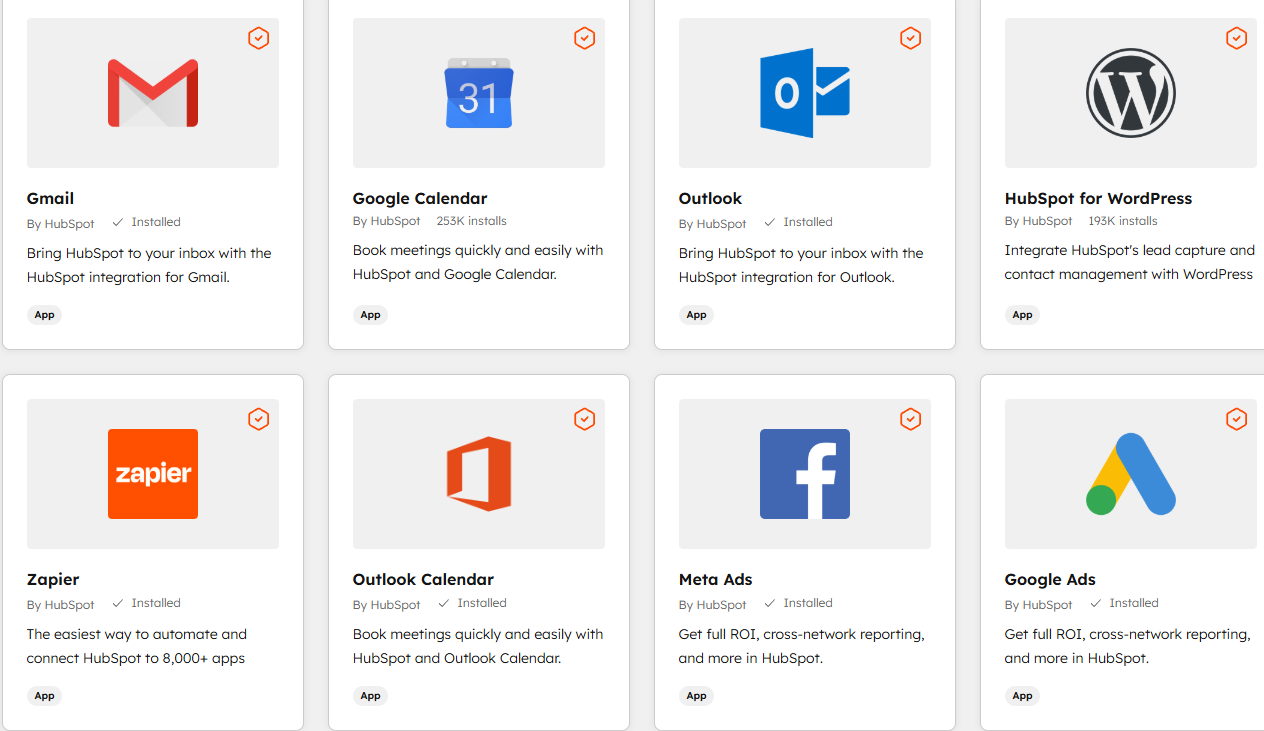
How is this possible? Why do so many apps connect with HubSpot?
HubSpot has 288,000 customs and these companies want to connect to HubSpot.
There are currently 2,000+ apps to explore.
And website templates (HubSpot website, HubSpot landing pages, HubSpot blog, etc.)
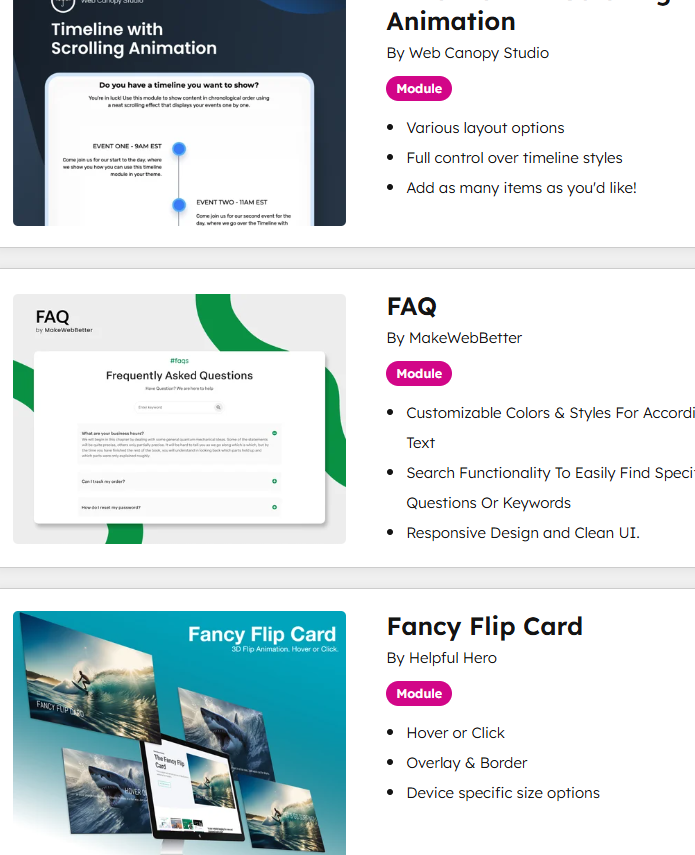
And agents.
Is HubSpot Secure? How is our HubSpot data protected?
Technical Info
Security, Privacy and Control is end to end.
2 factor authentication for everyone
With two-factor authentication (2FA) enabled, logging in requires verification using a second device, such as your mobile phone.
SSO - Single Sign On is available
Let users sign in to HubSpot using single sign-on credentials, making it easy for them to log in while enhancing security and your control over who has access.
Sensitive Data - more info
SOC 2 and SOC 3
SSL and Domain Security
Website monitoring
While HubSpot backs up data on our servers for you, this knowledge base article will tell you how to export your content and data if you’d like to back it up on your own.
How do we get our data into HubSpot?
Getting your data into HubSpot is easy!
Outlook / G-mail contact sync - we'll pull your contacts into HubSpot and the company records are automatically created and populated with data.
Import from Excel
Salesforce Sync - so many organizations are flipping from Salesforce that there's a tool to help migrate this data.
We use salesforce - how do we get our salesforce data into HubSpot?
Salesforce Sync
or
Import from Excel
We convert salesforce users to happy HubSpot clients all the time.
We use Microsoft Dynamics CRM 365- how do we get our data into HubSpot?
Import from Excel
We convert Dynamics 365 users to happy HubSpot clients all the time.
Since Dynamics 365 systems are often full of messy customizations, we do have a resource that is an expert when migrating the data that we may need to pull into the project.
We use a proprietary CRM / we built our own CRM - how do we get our data into HubSpot?
Import from Excel
We have converted clients on "other systems" over to HubSpot. As long as you can get the data into Excel, we can help.
Does HubSpot have a mobile app?
Yes!
The mobile app allows you to:
1. Use your cell phone camera to act as a business card scanner. Just take a picture of the card and watch the magic happen.
2. Dictate notes into the mobile app and straight into the CRM.
Tell me about HubSpot's AI - Technical and Security Info.
Data Security and Usage
- No Training on Customer Data: HubSpot does not permit its AI service providers (e.g., OpenAI) to use customer data for model training.
- Privacy Controls: Admins can manage which data sources (files, CRM data, conversation logs) the AI has access to in the Settings menu.
- Security: Data processing includes PII redaction and follows standard AI security frameworks like OWASP LLM Top 10.
How does HubSpot work with Microsoft Office 365? Outlook? Teams?
Yes!
You can see and access HubSpot from within Outlook
Schedule a demonstration to see just how easy this is. And... both Outlook and G-mail get better with the HubSpot efficiency tools.
Other CRM systems have clunky email connectors that may require you to remember and then enter in the project number in order to save an email to the correct project record.
HubSpot makes this Much Easier!
And.. HubSpot has a bi-directional contact sync to Outlook.
And... HubSpot has integrations with Zoom, Teams and Google meetings as well.
How does HubSpot work with G-Suite, g-mail, google meetings, google drive?
Yes!
You can see and access HubSpot from within G-mail.
Schedule a demonstration to see just how easy this is. And... both Outlook and G-mail get better with the HubSpot efficiency tools.
Other CRM systems have clunky email connectors that may require you to remember and then enter in the project number in order to save an email to the correct project record.
HubSpot makes this Much Easier!
And.. HubSpot has a bi-directional contact sync to G-mail.
And... HubSpot has integrations with Zoom, Teams and Google meetings as well.
Why do economic developers choose HubSpot over other systems?
HubSpot is easy.
You'll need less software because HubSpot connects to everything in 1 System.
- Email / Calendar
- Website
- Marketing Tools
- Surveys - Events - Accounting
- Projects and BRE
- Sites / Buildings
Most clients appreciate the ability to "see everything" on 1 screen as opposed to seeing 1 record with lots of complicated folders.
The system works for you with minimal data entry.
Once you experience a demonstration, you'll understand.
How does HubSpot work with G-mail and the Google Suite?
HubSpot connects with Google Workspace (G‑Suite) mainly through Gmail, Google Calendar, and Google Drive so you can manage CRM activity from your Google tools.
- Connect Gmail to HubSpot to send, track, and log emails to contacts, companies, and deals directly from your inbox, including open/click tracking and activity timelines.
- Use the HubSpot Gmail Chrome extension/add-on to insert templates, snippets, and documents, and to view or edit HubSpot contact and deal details in a sidebar inside Gmail.
- Sync your Google Calendar with HubSpot so meetings booked via HubSpot links or the CRM appear on your Google Calendar and log automatically to associated records.
- Enable Google Workspace SSO so users can log into HubSpot using their Google credentials for simplified access and centralized user management.
- Integrate Google Drive with HubSpot to link or sync Drive documents to contacts, companies, deals, and tickets.
- Automate workflows between HubSpot and Google Workspace (e.g., create Drive folders, update docs, or manage Workspace users when contacts or deals change in HubSpot) using no-code automation platforms.
How does HubSpot work with Microsoft Excel?
HubSpot works with Excel primarily through data import/export and live-sync tools so you can analyze, report on, and update CRM data in spreadsheets.
- Export contacts, companies, deals, tickets, and reports from HubSpot as CSV files, then open them in Excel for analysis, reporting, or backups.
- Import Excel or CSV files into HubSpot to create or update contacts, companies, deals, products, and custom objects using mapped columns.
How does HubSpot work with Microsoft Office 365?
HubSpot + Office 365
- Send and log sales emails from Outlook to HubSpot contact, company, and deal records with a one-click tracking and logging add-in.
- Track email opens and link clicks in real time, with activity automatically added to the contact timeline in HubSpot.
- Insert HubSpot email templates, snippets, and documents into Outlook emails to keep messaging consistent and save time.
- Use the Outlook sidebar to view and edit HubSpot contact and deal details without leaving your inbox.
- Schedule meetings from Outlook and log them to HubSpot records, keeping calendars and CRM activity aligned.
- Automatically create new contacts in HubSpot from incoming Outlook emails so new leads are captured in the CRM.
Learning new software - how do you provide training?
We provide live training over the web, we record the sessions and it's saved in HubSpot.
And...the best parts..
Action Plans: